
Playbooks
"Search Google or type a URL": what it means, and why that little bar decides who gets found
The grey text in your address bar isn't a bug, and it isn't a virus. It's the most valuable real estate in your customer's day. Here's what it means, how to fix it, and why your business should care.

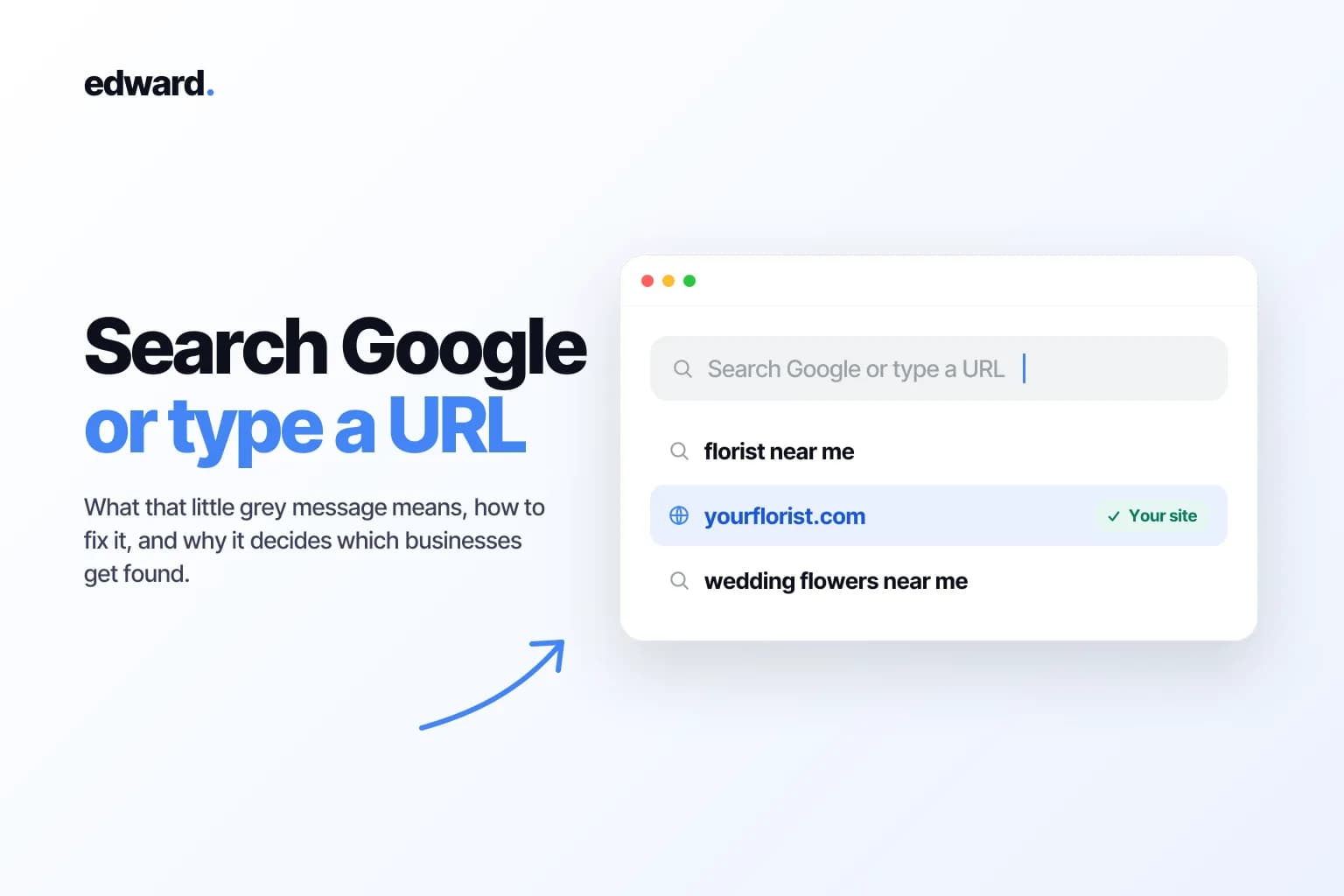
You've seen it ten thousand times. You open a new tab, and sitting there in faint grey letters is a quiet little instruction: Search Google or type a URL.
Most people never think about it. The ones who do usually land on an article like this because something feels off. The bar started behaving strangely, or they're wondering whether that message means something is broken.
Short version: nothing is broken. That sentence is just your browser being polite about the fact that it no longer cares whether you know where you're going.
But there's a longer version, and almost nobody bothers to write it. That little bar is the single most valuable piece of real estate in your customer's day. Every time someone types words into it instead of an address, a tiny auction happens, and a business either wins the click or never gets seen. By the end of this you'll know exactly what the message means, how to fix the bar if it's misbehaving, and why it quietly decides which businesses get found.
What "Search Google or type a URL" actually means
It means your browser gave up running two boxes.
Rewind to the mid-2000s and browsers had two separate slots at the top: an address bar for web addresses, and a little search box off to the side for Google. You had to know which one to use. Chrome killed that in 2008 by merging them into a single field called the omnibox, and within a few years Safari, Firefox, and Edge all copied it.
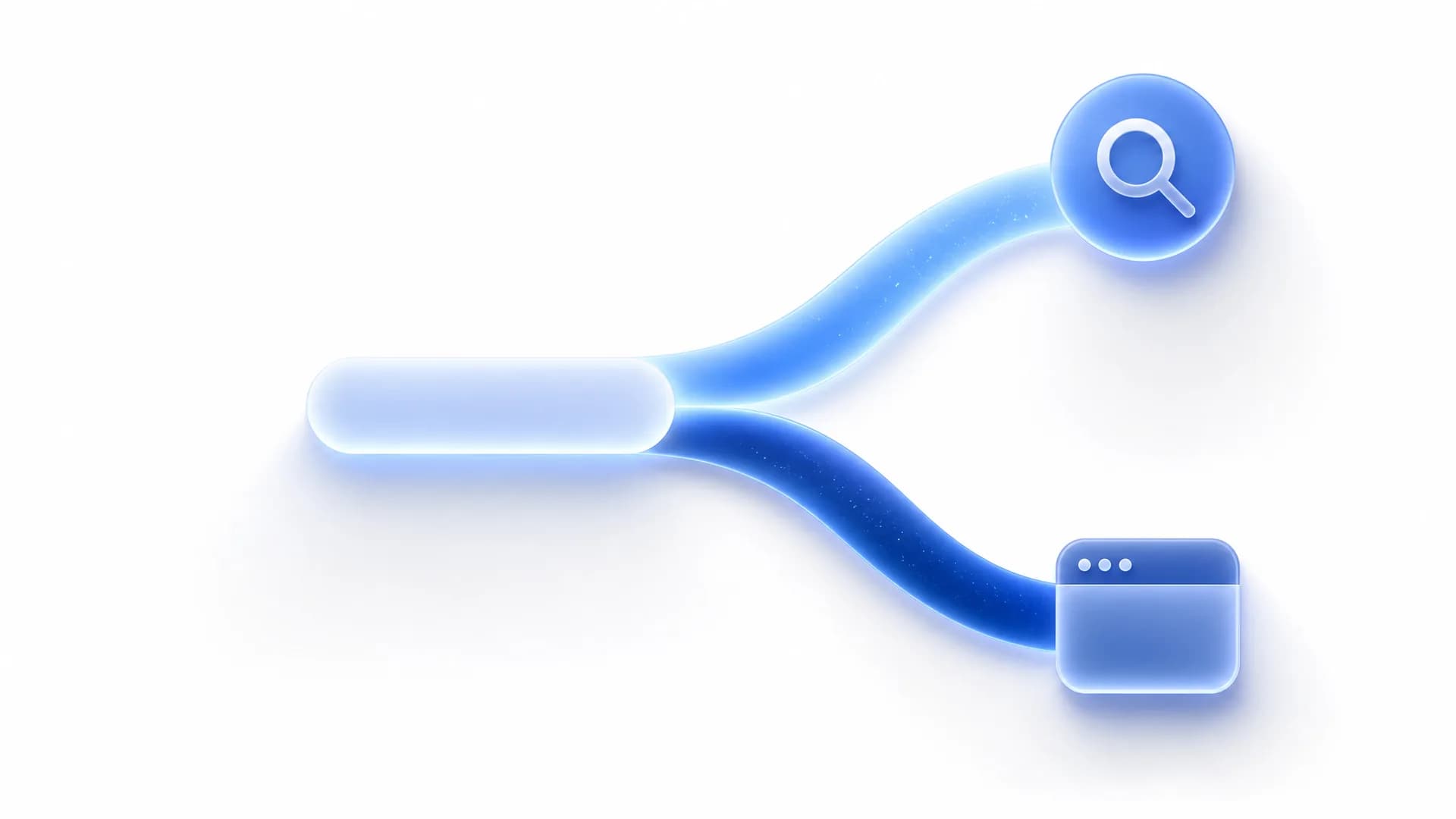
So now there's one box doing two jobs. The grey placeholder text is just the browser telling you it will take either one: a full web address, or a handful of words to search. You don't have to decide which kind of thing you're typing. The box figures it out.
URL vs. search, in one breath
A URL is the exact street address of one specific page, like https://www.yourflorist.com/wedding-bouquets. Type it and you go straight there, no middleman. A search is what you hand over when you don't know the address, like "florist for a wedding." You're not naming a destination, you're asking a question and getting back a list of candidates.
Here's the anatomy of a URL, since the parts start to matter once you think about how customers actually reach you:
| Part | Example | What it does |
|---|---|---|
| Protocol | https:// | Tells the browser how to connect (securely, in this case) |
| Domain | yourflorist.com | The name of the website |
| Path | /wedding-bouquets | The specific page on that website |
| Query | ?ref=instagram | Extra info passed to the page, often for tracking |
| Fragment | #reviews | Jumps to a specific section partway down the page |
The distinction that matters: a URL points at one place. A search asks "who's got this?" and lets Google answer.
Why your browser shows it, and the rule it uses to guess
The box can't read your mind, so it guesses, using rules simpler than you'd expect. Roughly: if what you type looks like an address (a word with a dot and a real ending like .com, and no spaces), the browser assumes it's a URL and goes straight there. If it has spaces, or doesn't resolve to a real domain, it gets handed to your search engine.
You can watch it make the call in real time:
| What you type | What the bar does | Why |
|---|---|---|
apple | Searches Google for "apple" | One ambiguous word, no dot |
apple.com | Opens Apple's website | Looks like a domain |
plumber near me | Searches Google | Multiple words, clearly a question |
support.google.com | Opens Google's support site | Has dots, looks like a web address |
Same keystrokes, one dot, completely different behavior.

What happens the instant you start typing
The moment you touch a key, a dropdown appears. Those suggestions come from three places at once: your own history, your bookmarks, and live suggestions from the search engine itself.
That last one matters for two reasons. First, it's why the suggestions feel almost psychic. They're coming back from Google's servers as you type. Second, it means your keystrokes are being sent to your search engine before you ever press enter. The browser often goes a step further and quietly pre-connects to the top guess so the page loads the instant you hit return.
Useful? Very. Worth knowing if you care about privacy? Also yes, and you can switch the live suggestions off (more on that below).
On your phone it's a different bar
Almost every guide on this topic forgets mobile, which is strange, because that's where most searching now happens.
On an iPhone, Safari's bar sits at the bottom of the screen. One tap, the same search-or-URL choice, plus a microphone for voice. Chrome on Android and iOS works the same way. But two things change once you're on a phone, and both push hard toward search:
- People type like they talk. "best florist near me open right now" instead of three clipped keywords. Thumbs and voice produce full questions.
- Almost nobody types a full URL. Punctuation is miserable on a touch keyboard, so people search a business name rather than spell out
.com.
The practical upshot: on mobile, the search half of that bar wins by an even wider margin.

"Is this a virus?" And what actually goes wrong
No. The message itself is just the normal placeholder text. It is not malware, and it doesn't mean you've been hacked.
But people do end up here because the bar started acting up, and there are a few real culprits:
- Your default search engine got swapped, usually by a "free" toolbar or extension you installed without reading the fine print.
- A browser hijacker is redirecting your searches through somewhere you didn't choose.
- Settings got reset after a browser update.
The fix is almost always to reset your default search engine and remove any extension you don't recognize. Here's where each browser hides that setting (menus shift slightly between versions, so treat these as the neighborhood, not the exact street number):
| Browser | Where to set your search engine | Official guide |
|---|---|---|
| Chrome | Settings → Search engine | Google Chrome Help |
| Safari | Settings → Search → Search engine | Apple Support |
| Firefox | Settings → Search → Default Search Engine | Mozilla Support |
| Edge | Settings → Privacy, search, and services → Address bar and search | Microsoft Support |
Want to stop your keystrokes going to the search engine? In the same search settings, every browser has a toggle for search and site suggestions. Turn it off and the dropdown stops phoning home before you hit enter.
A dead-simple rule for search vs. type a URL
Know the exact address? Type it, or better, bookmark it. Looking for something, or not totally sure of the address? Search.
| If you... | Do this |
|---|---|
| Know the exact web address | Type the URL straight in, or bookmark it |
| Are looking for something, or aren't sure of the address | Search for it |
| Visit a site constantly (your bank, email, dashboard) | Bookmark it or type the URL, don't re-search it daily |
One caveat that's quietly worth money: if you search a brand you visit constantly, you can land on an ad, or on a competitor sitting above the real site. For the things you use all the time, type the URL or keep a bookmark. Don't re-search your own bank every morning and gamble on the results.
The part nobody mentions: that bar is a daily audition
Here's where this stops being tech support and starts being your business.
Every time someone types words instead of an address, they're telling Google one specific thing: I don't have a company in mind yet. That's an open seat. Nobody types emergencyplumber.com at 11pm with water spreading across the kitchen floor. They type "emergency plumber near me." Whoever shows up gets the call. Whoever doesn't simply doesn't exist for that customer.
Now multiply that by every "florist for a funeral," "accountant for a small business," "best running shoes for flat feet" typed somewhere today. Each one is a person with their wallet half out, auditioning whatever the results decide to show them.
The other half of the bar, people typing your name directly, you've mostly already won. Those are customers who know you. The growth, the new customers, the people who've never heard of you, they're all in the search half. And increasingly that half includes AI answers in tools like ChatGPT, which pull from the same content that ranks. That's the half worth fighting for.
How to actually be the result people get
There's no trick to it, which is exactly why so few businesses pull it off. You become the result by being the most useful, most trustworthy answer to the things your customers type, consistently, for a long time.
In practice that means publishing real answers to real questions (not keyword soup), from a business that's genuinely qualified to answer them, often enough that Google and ChatGPT start treating you as a source worth quoting. The hard part was never writing one article. It's doing it every week, on the right topics, without stopping. That's the trap nearly every small business falls into. They know they "should do content," they manage it for a month, life gets loud, and it quietly dies.
That's the entire reason we built Edward. Edward learns your business, finds the exact phrases your customers are typing into that little bar, and publishes content built to rank for them, on Google and in ChatGPT, without you hiring an agency or remembering to write on a Tuesday night.

A florist shouldn't have to become an SEO expert to show up when someone three streets over searches "wedding flowers near me." That part, knowing what they're searching, writing the thing that wins, and keeping it going, is the part Edward handles. If you're weighing your options, here's how it compares to Surfer SEO and AirOps.
Frequently asked questions
Is "Search Google or type a URL" a virus? No. It's the default placeholder text in your browser's address bar. If your search engine or homepage changed on its own, that's worth a look, but it's almost always a rogue extension, not the message itself.
Can I remove the message? Not really. It's placeholder text that vanishes the moment you start typing. You can change which search engine it uses, though, in your browser's search settings.
Why does typing one word search instead of opening a website?
Because a single word with no dot doesn't look like a web address, so your browser treats it as a search. Add .com (or pick a known site from the dropdown) and it will navigate instead.
Does typing send what I write to Google? If live search suggestions are turned on, yes. Your keystrokes go to your search engine to power the dropdown, before you press enter. You can switch that off in your browser's search settings.
How do I search inside one specific website? In Chrome and Edge, type the site's name and press Tab, and the bar flips to searching just that site. Or simply add your terms after the site's name in a normal Google search.
Can I use a different search engine? Yes. Every browser lets you set the default (Google, Bing, DuckDuckGo, and others) from its search settings.
Should my business actually care about any of this? More than almost anything else you're doing in marketing. The search half of that bar is where customers with no loyalty to anyone decide who to call. Showing up there isn't a nice-to-have. It's the whole game.
Want to know which of those searches your business could realistically win? Start a free audit and Edward will scan your site, then show you the exact phrases your customers are typing into that little bar and where you've actually got a shot at showing up. Or see plans and pricing if you already know you're ready to start.