
Playbooks
Google Business Profile video verification without a storefront: what to film, shot by shot
Plumbers, cleaners, electricians and other service-area businesses can pass Google's video verification without a shop. Here's what to film, in what order, and what gets videos rejected.

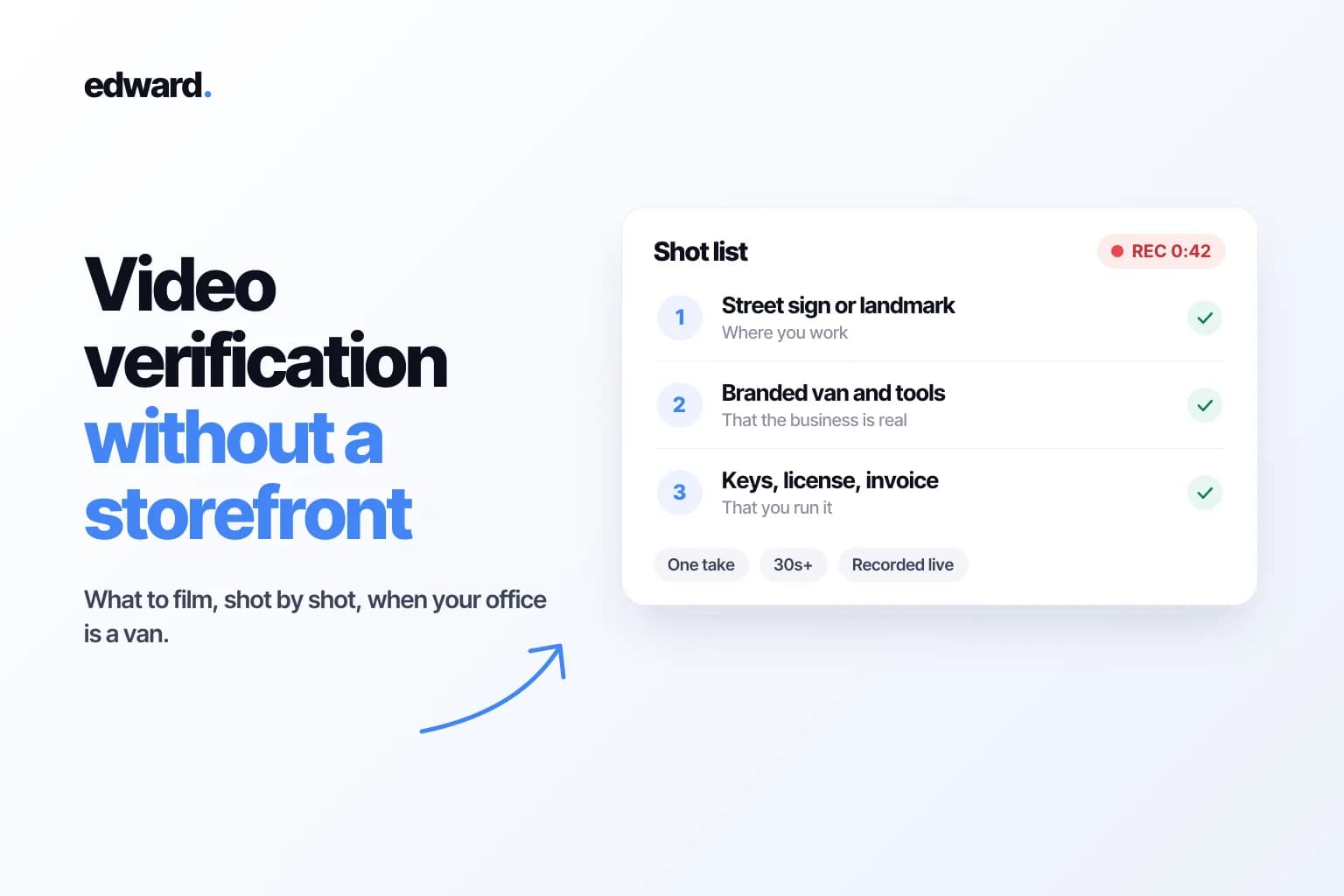
"Google wants a video of my business. I work out of my van. What am I supposed to film?"
If that's you, you're in good company. Google says it's one of the most common questions it gets, and in its September 2026 Small Business Bulletin it finally gave a straight answer: you don't need a storefront to get verified.
What you need is a video that proves three things. That you work where you say you work. That the business is real. And that you're the one running it.
Below is the shot list I'd use. It's built from Google's video verification rules, the tips Google's Product Experts shared in that bulletin, and the ways real verifications go wrong.
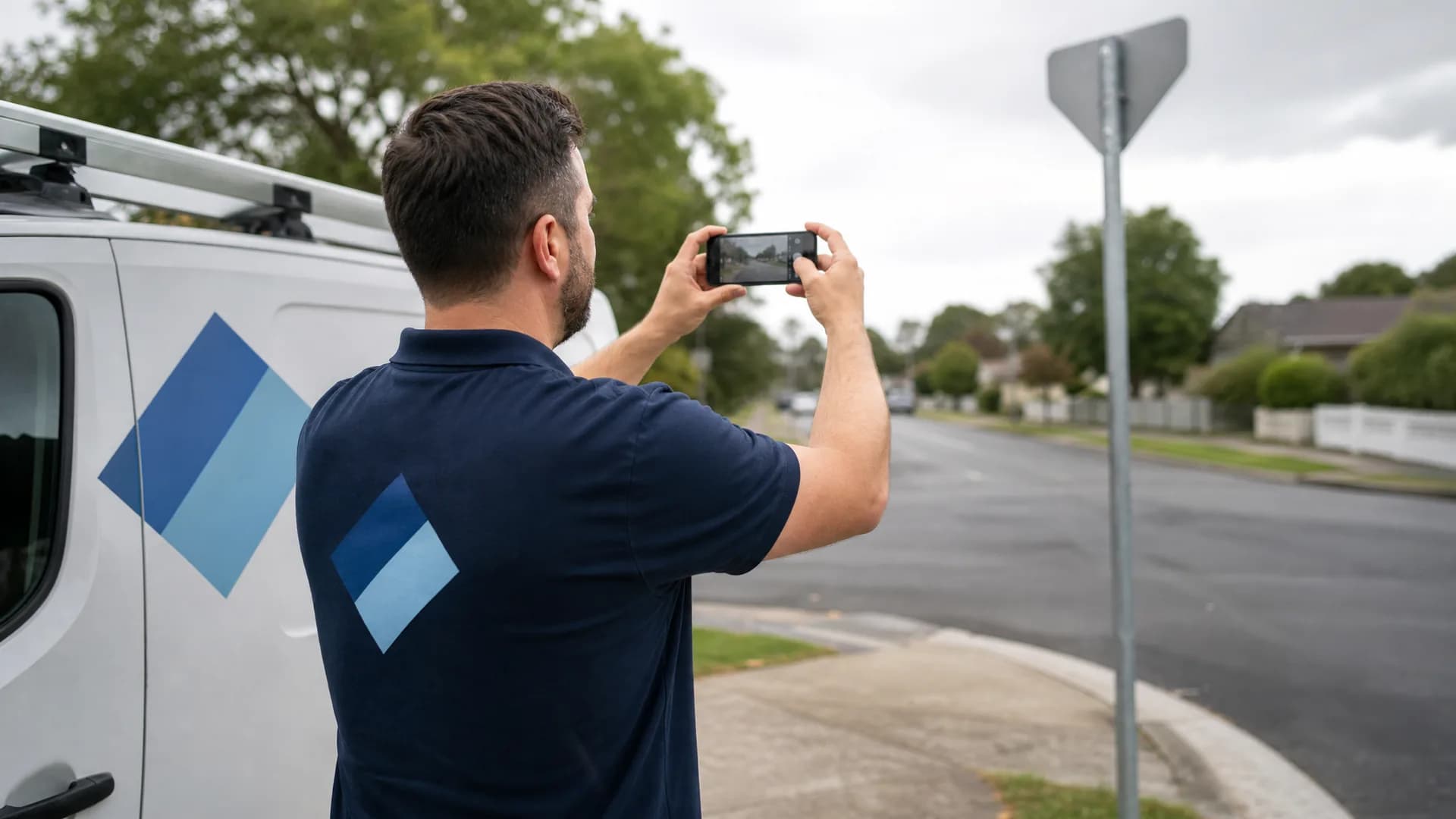
First, check you're set up as the right kind of business
Google sorts businesses into three types, and the video it expects depends on which one you picked.
| Type | What it means | Examples |
|---|---|---|
| Storefront | Customers come to you, at an address with permanent signage | Café, salon, shop |
| Service-area | You go to your customers, and don't serve them at your address | Plumber, cleaner, mobile mechanic, dog walker |
| Hybrid | Customers come to you, and you also visit or deliver to them | Garden center that delivers, bakery that caters |
If customers don't come to your address, you're a service-area business, and Google says to remove that address from your profile and list the areas you serve instead. You can add up to 20, and the whole area shouldn't stretch more than about two hours' drive from where you're based.
This step matters for the video. Set up a home-based business as a storefront and you've signed up for a video you can't pass, because Google will be looking for a sign over a front door. Google says it plainly: if you don't have permanent signage, list yourself as a service-area business.
The rules every video has to follow
From Google's help page:
- At least 30 seconds long.
- Recorded live, on your phone, in the Business Profile app. You can't film it earlier and upload it later.
- One continuous take. No edits, no cuts, no pauses.
- Nothing sensitive. No bank, tax or ID numbers, no private details about you or anyone else, and no other people's faces.
The bulletin adds one more: turn on your phone's location services before you start, and film inside your service area.
The shot list: one take, three parts
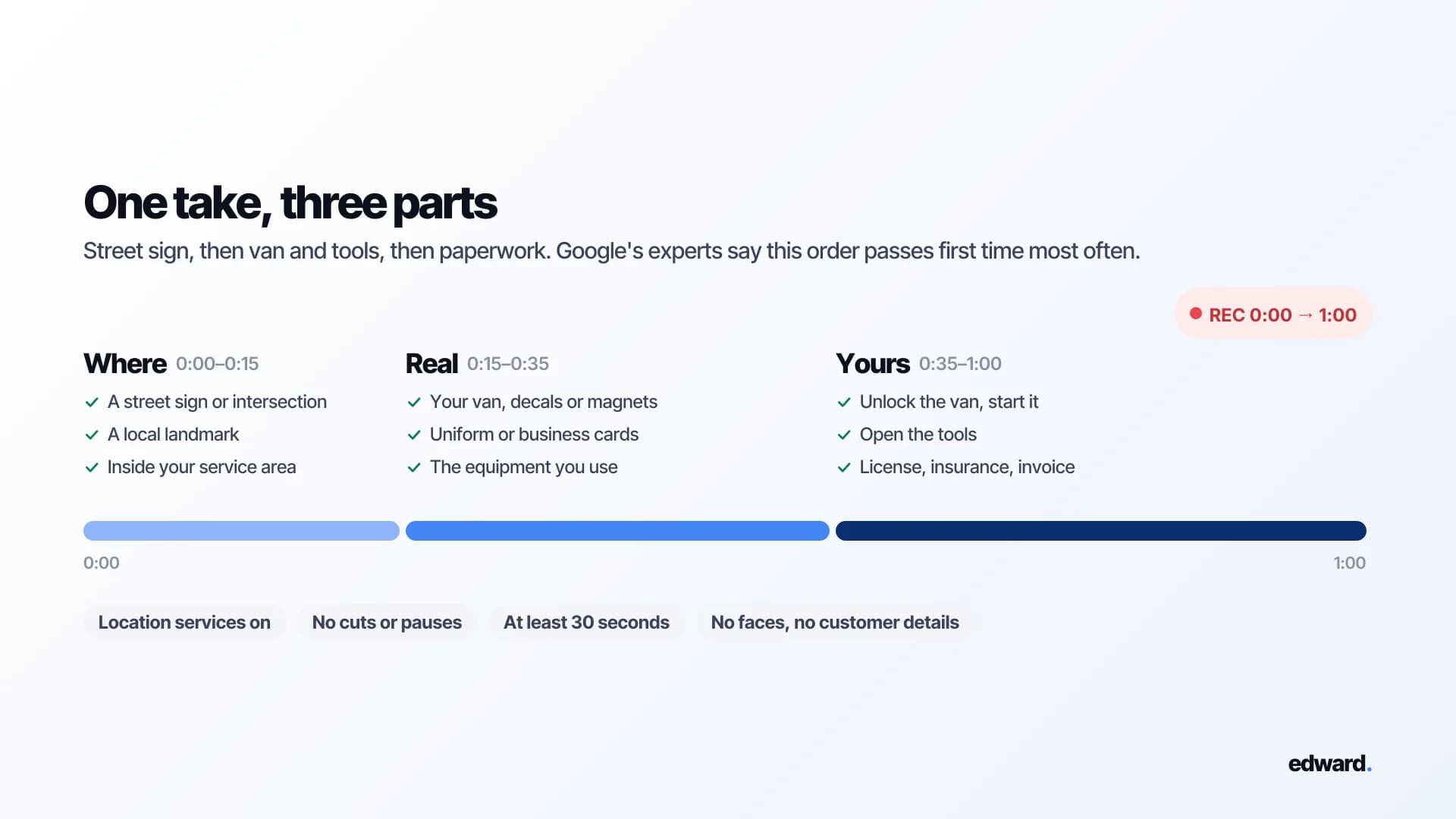
Google's Product Experts summed it up in one line: videos that move smoothly from street sign, to vehicle and tools, to paperwork have the highest first-time pass rates. So think of your video as three short parts, filmed in one go.
| Part | What it proves | What to show | Roughly |
|---|---|---|---|
| 1. Where | You work in your service area | Street signs, an intersection, a local landmark | 0:00 to 0:15 |
| 2. Real | The business exists | Your branded van, uniform, business cards, equipment | 0:15 to 0:35 |
| 3. Yours | You run it | Unlocking the van, your tools, your paperwork | 0:35 to 1:00 |
Part 1: Where you work
Park somewhere recognizable inside your service area. Start recording outside and show a street sign or an intersection, plus a local landmark if there's one nearby.
Avoid empty fields and quiet roads with nothing identifiable. Google specifically says to steer clear of places without clear markers. If you work from home, the street signs and landmarks in your immediate neighborhood are fine. Just keep your own house number out of the shot.
Part 2: That the business is real
Walk to your vehicle and show your business name and contact details on it, whether that's a full wrap, decals or magnets.
Van not branded? That's OK. Show what else carries your name: business cards, a uniform or T-shirt with your logo, or the professional equipment you couldn't do the job without.
Part 3: That you're the one running it
This is the part people skip, and it's the part that proves you're not someone who borrowed a van for the afternoon. Pick a few of these:
- Unlock the vehicle with your key or fob, get in and start the engine.
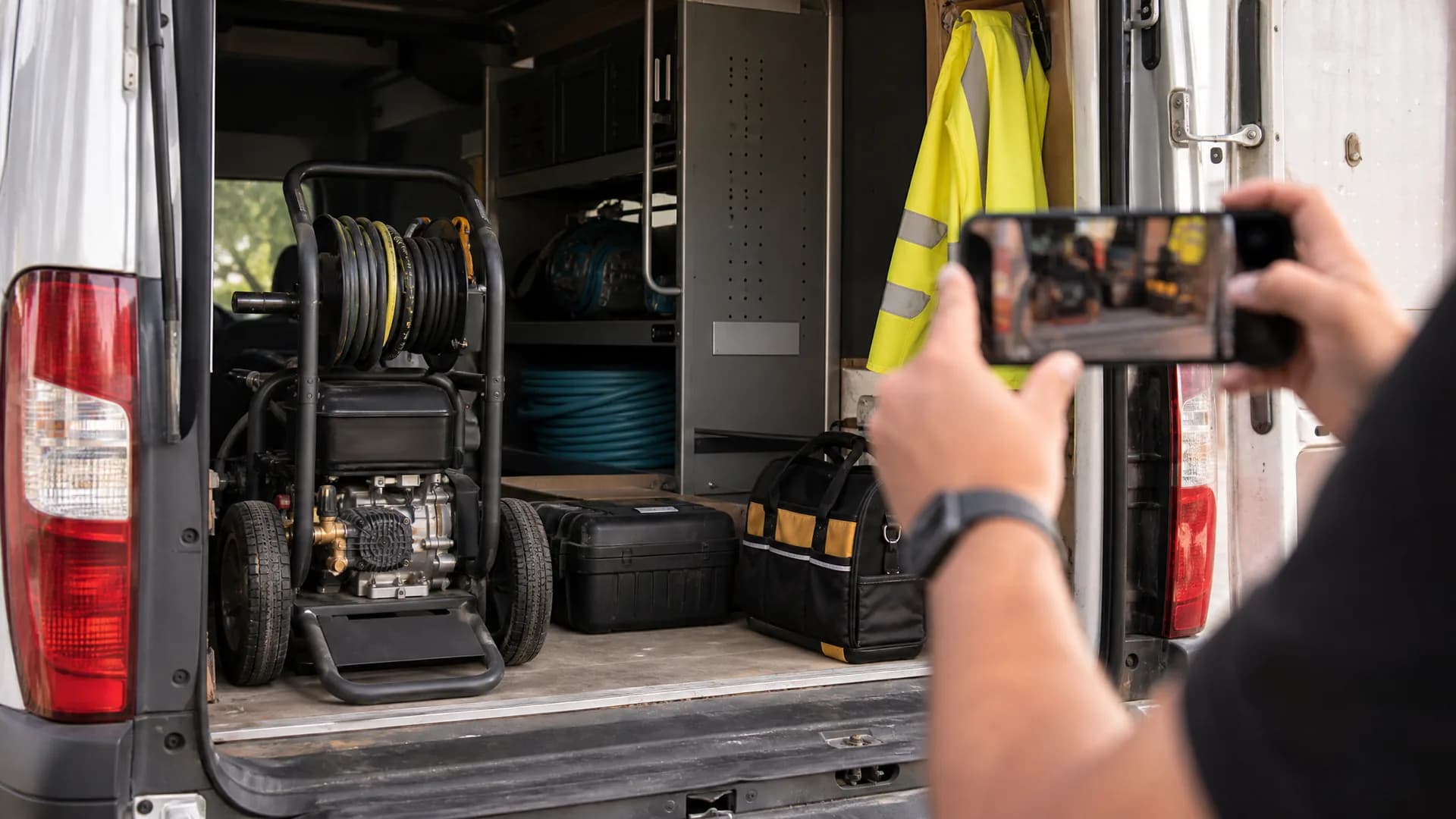
- Open the back, the truck bed or your tool storage, and show the tools of your trade. Pipe threaders, pressure washers, diagnostic kit, whatever you use.
- Show paperwork with your business name on it: your registration, a license, an insurance certificate or a utility bill.
- Show a current work order or invoice, with customer names, numbers and payment details blacked out first.
- Or log into the software you run the business on: your booking app, dispatch system or accounts.
Then stop. Most good videos run about a minute.
Before you hit record
A few minutes of setup costs a lot less than five days of waiting for a rejection.
- Make the names match. Your business name, phone number, category and service area on Google should match your van, your cards, your license and your invoices.
- Turn on location services on your phone.
- Stage everything. Keys in hand, tools where you can reach them, paperwork on a clipboard or the front seat.
- Black out customer details on any invoice before you film it.
- Film in daylight if you can. Signs need to be readable.
- Check battery and storage. Running out halfway means starting over.
- Do a practice run without uploading, so you know your route from sign to van to paperwork.
What gets videos rejected
| Mistake | Why it fails |
|---|---|
| Filming outside your service area | The location doesn't match your profile |
| A name that doesn't match | Your van says "Rapid Drains," your profile says "Rapid Drains Emergency Plumber London." Stuffing keywords into your name breaks Google's guidelines anyway |
| Pausing or editing | Google wants one unbroken recording |
| Empty places | A field or a quiet road proves nothing about where you are |
| A temporary sign on your house | It looks like a fake storefront. Google's experts say never do this |
| Faces, your home address or customer data | Breaks Google's privacy rules for the video |
| Showing the van but nothing else | Proves a van exists, not that you run a business with it |
One more that catches people out: the map. In a Local Search Forum thread, a business kept failing with "location is different from Business Profile service area," and the owner noticed their address pin sat just outside the city limits of the city their listing named. If you're failing on location, check where your pin actually falls.
A few special cases
Real estate agents. Google's Product Experts say filming on-site at an active listing, with your business cards, is acceptable.
A second location. If you're verifying a second service-area profile, local SEO expert Joy Hawkins' advice in that same forum thread is to make sure the two profiles' service areas don't overlap, and that no service area on one matches the city address of the other.
Online-only businesses. If you never meet customers in person, you can't have a Business Profile at all. Google says online-only businesses aren't eligible.
If your video fails
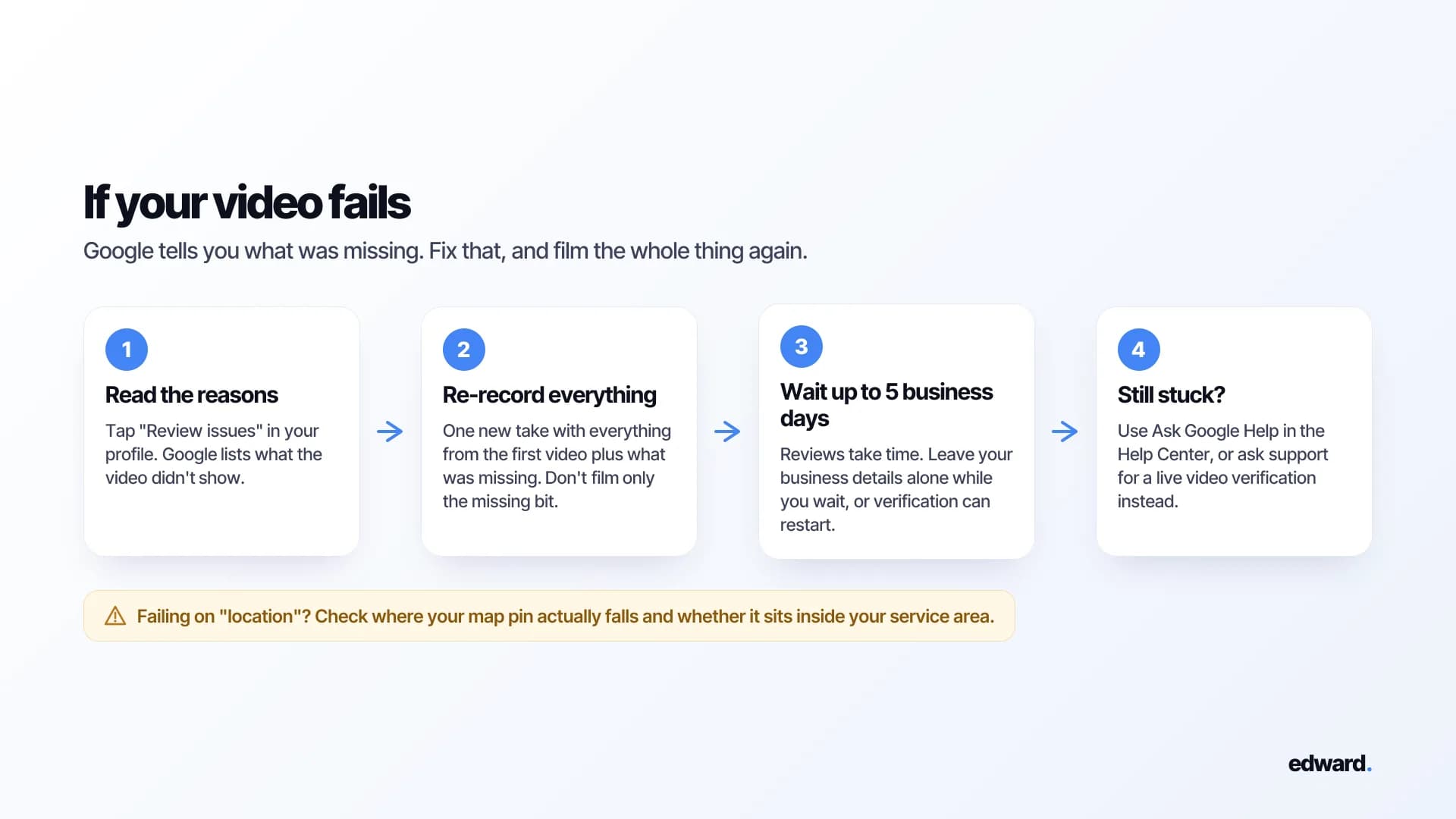
- Read the reasons. Google tells you what was missing. Tap "Review issues."
- Record the whole thing again. Google asks for everything from your first video plus what was missing. Don't just film the missing bit.
- Wait. Google says reviews can take up to five business days.
- Still stuck? Use Ask Google Help in the Business Profile Help Center, or ask support for a live video verification instead.
- Don't tinker while you wait. Google warns that changing your business details can trigger verification all over again.
Getting verified is the start, not the finish
Verification only means you're allowed to show up. Whether customers pick you comes down to everything after it: your reviews, your photos, how active your profile looks, and whether your website answers the questions people are searching.
Manage your Google Business Profile inside Edward
Once you're verified, connect your profile to Edward and run it from one place, without logging into Google every time:
- Posts. Plan them on a calendar and schedule them weeks ahead, so your profile keeps looking active while you're out on jobs.
- Reviews. See every review in one list and reply straight away.
- Photos and business details. Add photos of your van, your team and your work, and keep your hours, description and contact details current.
- Performance. Calls, website clicks, direction requests, and the searches people used to find you.
- Map rankings. See where you show up on Google Maps across your service area, so you know which towns you're winning and which you're not.
Edward only changes your profile when you tell it to. Nothing gets posted or edited on its own. And because it's the same Edward that writes and publishes the articles for your website, it also covers the searches your profile can't win, like "how often should a boiler be serviced" or "do I need a permit for a fence." If you're new to all of this, our local SEO glossary entry is a good place to start.
And once your posts are going out, Google has just started showing you how many people see them. Here's how to read your Google Post views.
Frequently asked questions
Can I verify my Google Business Profile without a storefront? Yes. Service-area businesses can pass video verification by showing where they work, that the business is real, and that they run it. No shop, office or permanent sign needed.
Can I use my home address? You can run your business from home. If customers don't come to you, remove the address from your public profile and list your service areas instead. When filming, show your neighborhood's street signs and landmarks, not your house number.
How long does video verification take? Google says reviews can take up to five business days after you upload.
Can I upload a video I recorded earlier? No. The video has to be recorded live, in the Business Profile app, in one take.
How long should the video be? At least 30 seconds. Most good ones run about a minute.
My van isn't branded. Can I still pass? Yes. Show business cards, a branded uniform or your professional equipment instead, and lean harder on documents in your business name.
What documents count as proof? Google mentions business permits, invoices and utility bills that match your business name. Google's Product Experts also suggest your business registration, a contractor license or an insurance certificate. Black out any customer details first.
What if I keep failing? Read the reasons Google gives, re-record everything plus what was missing, and check your map pin and service area. If it still won't go through, ask support for a live video verification.
Can I manage my Google Business Profile in Edward? Yes, once it's verified. Connect your profile and you can schedule posts, reply to reviews, add photos, update your business details, and track your calls, clicks and map rankings, all inside Edward. The video verification itself still happens in Google's Business Profile app.
Verified and wondering why the phone still isn't ringing? Your profile is half of how customers find you, and your website is the other half. Edward manages both: your Google Business Profile, and the articles that win the searches your customers are making. Start a free audit to see which of those searches your website could win. Or see plans and pricing if you're ready to start.